
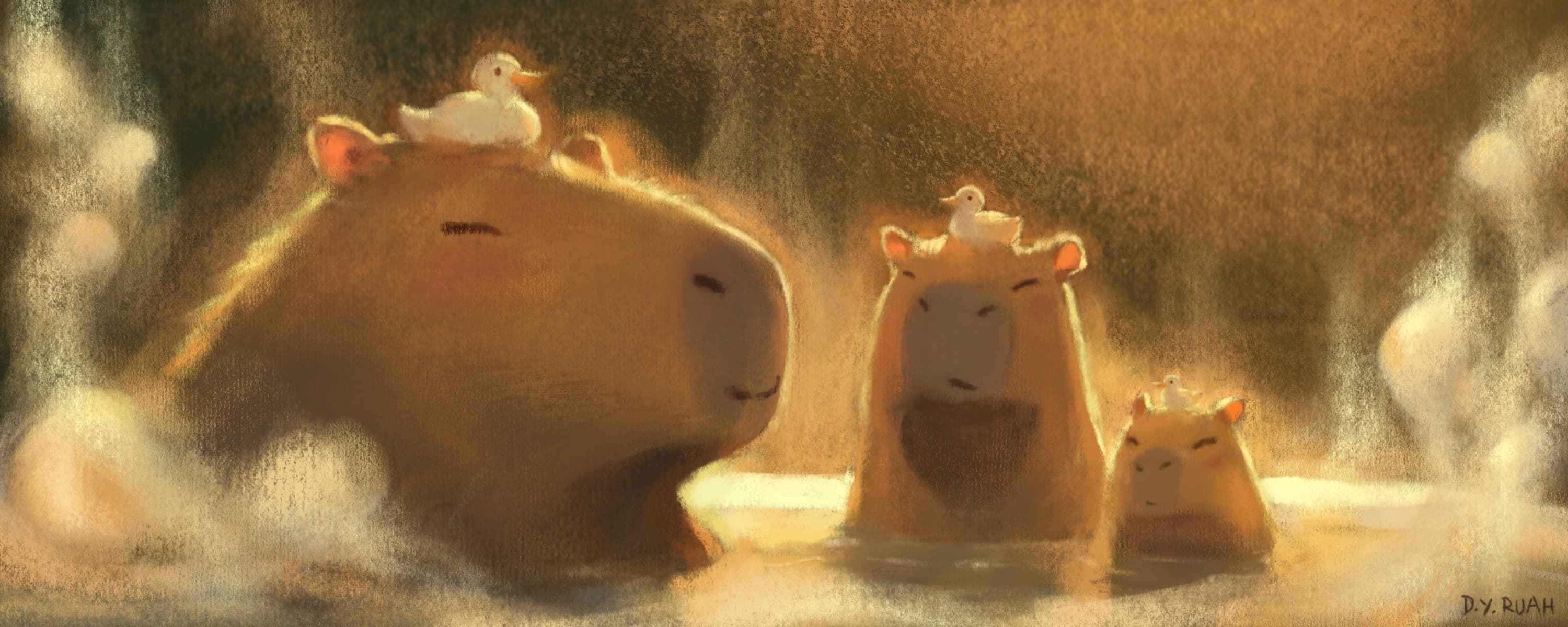
Ruah Charcoal Fill · Ruah Charcoal Cloudy · Ruah Charcoal Glide · Ruah Heavy Watercolor Paper
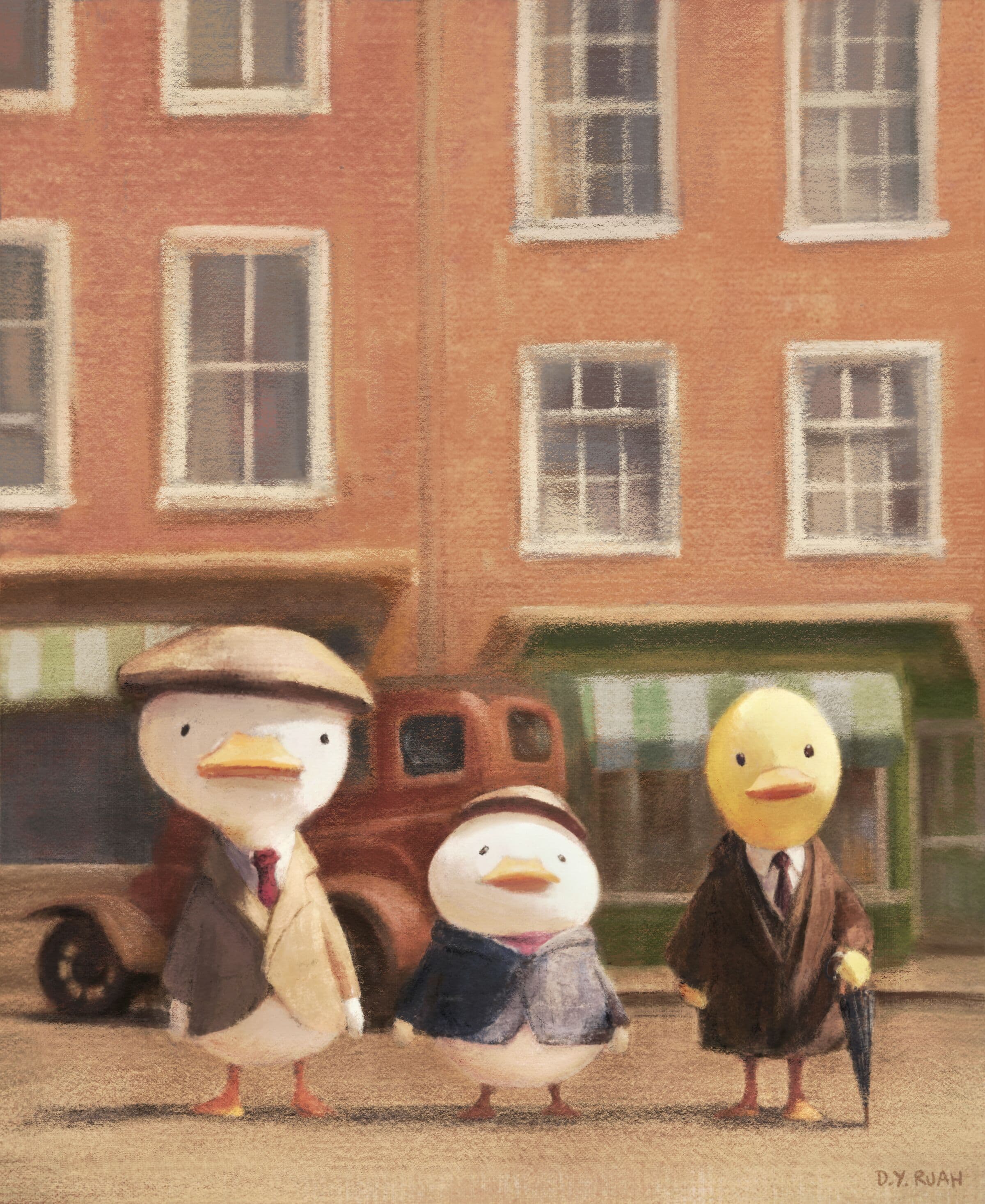
Pencil Soft · Charcoal Fill · Crayon Line A · Pulpy Cratered Paper
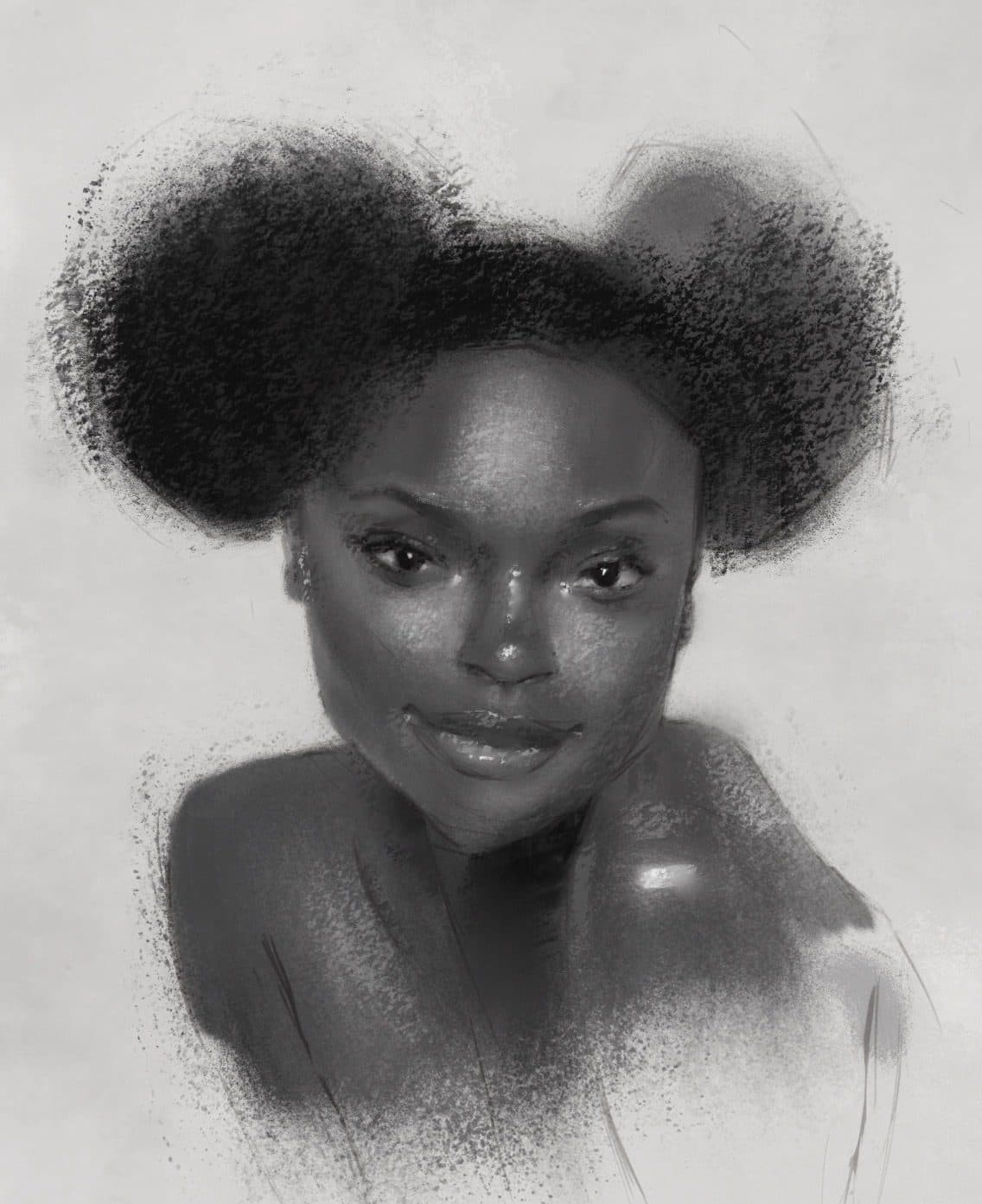
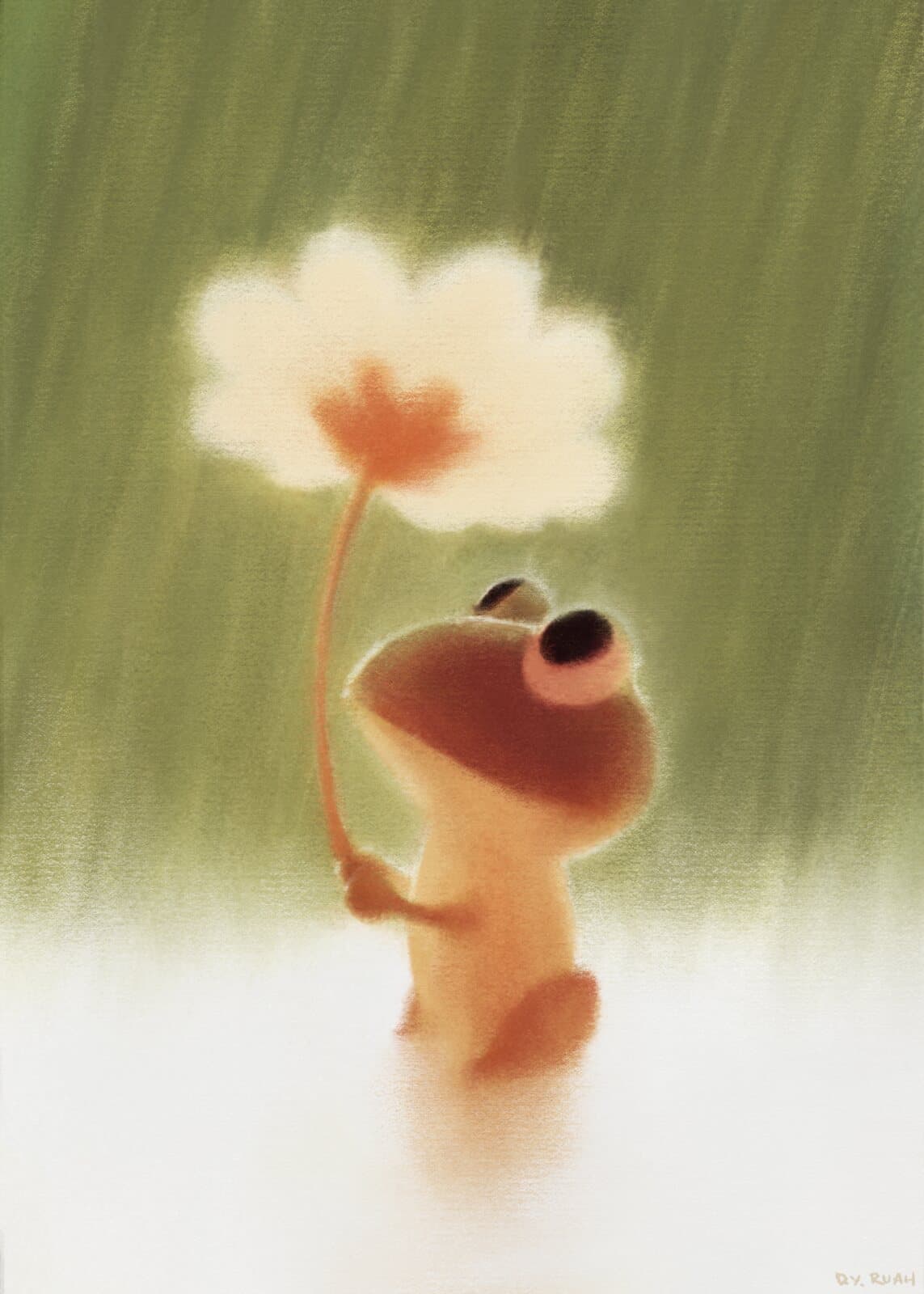
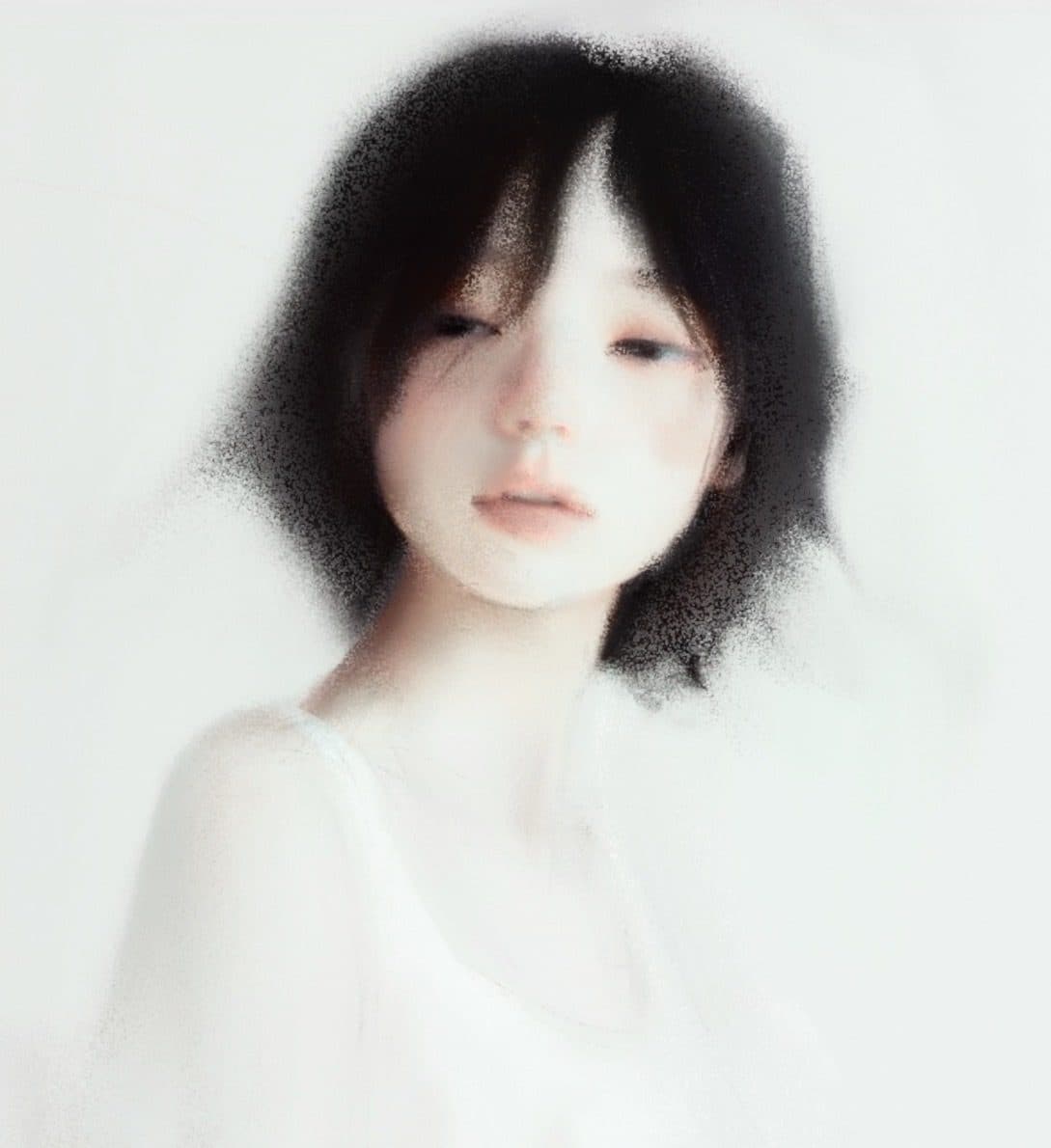
RuahStash Essentials
All the joys of traditional drawing. Pencils, charcoal, oil paints, watercolors, paper textures, and more. 45 Procreate brushes, like natural media.
Next step: you'll enter your email on the checkout page to receive your download link. Payments are processed safely by Fourthwall.
Brush List
45 brushes · Preview
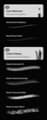
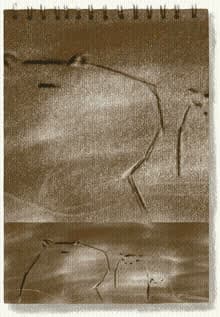
Brushes used:Brushes used
- Charcoal Fill
- Charcoal Glide
- Charcoal Cloudy
- Heavy Watercolor Paper
Charcoal Fill/Glide/Cloudy + Heavy Watercolor Paper
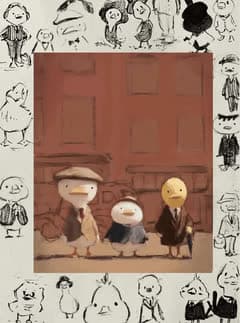
Process
Draft
Final
Duck timelapse painted with RuahStash brushes
45 Procreate brushes, organized into clear mini-sets. Pencils + charcoal, high-contrast liners, inky markers, juicy washes, painterly oils. Paper + texture brushes.
Uses real textures for grain, initially shot at up to 240.8 megapixels with Sony A7R4 camera + 90mm macro lens.
Crunchy edges, soft bleed, happy accidents, but still controllable.
The feeling of your favorite sketchbook, on screen. ✦
Best for
This set is made for artists who miss the grain of paper and the bite of a real pencil. It bridges the gap between the traditional techniques you love and the digital freedom you need, while still supporting loose exploration and clean decisions. For those who want brushes that keep the work looking tactile and lifelike.
The 45 brushes consist of: a few core tools that behave predictably, plus the messy, expressive ones that add life, grit, and bite. Just like good old, traditional analog media.
Sketching that stays alive ༄
- Gesture warmups, loose construction, and messy line searching
- Thumbnails that read fast, even when they are rough
- Notes-in-the-margins sketching, studies, visual journaling, sketchbook studies
- Building forms with pressure that feels natural (light touch, heavy push)
 Use it when: you want speed and flow, but still need structure that does not fall apart.
Linework with personality and control ✎
- Confident outlines with a clean taper, without the perfect vector look, for inky linework
- Broken edges and dry drag for energy, grit, and texture
- Line weight that helps the focal point pop (faces, hands, silhouettes)
- Inking over sketch layers without getting slippery or overly smooth
Use it when: you want crisp lines that still feel drawn by a hand, not generated.Portraits and figure work that are a joy to draw ✧
- Soft value transitions for cheeks, noses, and subtle planes
- Hair texture, stubble, brows, lashes, and edge accents
- Charcoal grit for depth around eyes, under lips, shadow shapes (and everywhere else! Creative joy...)
- A quick path from block-in to finished without switching toolsets
Use it when: you want faces to feel dimensional, textured, and real.Concept doodles and ideation ⌇
- Shape language, silhouette passes, and value thumbnails
- Quick material hints (canvas, paper)
- Bold markers to emphasize, inks for decisions, washes for atmosphere
- Iteration speed without losing the vibe of the sketch
Use it when: you are designing, exploring, or thinking on the canvas.Painterly studies and finishing passes ∿
- Washy blooms, watery breaks, and splattery edges
- Dry, loaded paint marks for contrast and texture, Sargent-like oil painterly energy
- Edge control that lets you keep the focal point clean and the rest expressive
- Texture layers that unify the whole piece so it feels done
Use it when: you want that traditional, imperfect finish that digital often misses.Texture overlays that make digital feel physical ░▒▓
- Paper grain, cotton, kraft, heavy watercolor texture, sketchbook feel
- Grit and noise that adds depth without ruining readability
- Subtle surface variation that helps values sit together
- Easy finishing touches that make a piece look painted or drawn
Use it when: the art looks good, but feels a little too clean.High-contrast pieces and bold value design ▀▄
- Graphic shadows, sharp read, strong silhouettes
- Noir lighting, punchy edges, and controlled chaos
- Big marker masses, then crisp lines, then texture and splatter
- Poster-like impact with hand-made texture
Use it when: you want the piece to hit hard at a glance.Messy, but intentional mark-making ੭
- Happy accidents (that are still controllable!)
- Grainy charcoal, brittle inks, waxy markers, broken paint edges
- The look of real media without endlessly adjusting your brush settings, just ready to go
- Expressive texture that supports the drawing
Use it when: you want energy, grit, and life, with enough control to finish clean.The world is your canvas
- Sketchbook studies that keep their graphite vibe
- Inky linework with texture that bleeds into paper
- Charcoal fills and clouds + smudgy shading
- Watercolor-style washes and impressionistic paint strokes
- Poster-style pieces with paper grain, speckles, and finish effects
- Mixed-media looks: pencil + ink + paint + texture, all in one file
Sketching that stays alive ༄
- Gesture warmups, loose construction, and messy line searching
- Thumbnails that read fast, even when they are rough
- Notes-in-the-margins sketching, studies, visual journaling, sketchbook studies
- Building forms with pressure that feels natural (light touch, heavy push)
Use it when: you want speed and flow, but still need structure that does not fall apart.Linework with personality and control ✎
- Confident outlines with a clean taper, without the perfect vector look, for inky linework
- Broken edges and dry drag for energy, grit, and texture
- Line weight that helps the focal point pop (faces, hands, silhouettes)
- Inking over sketch layers without getting slippery or overly smooth
Use it when: you want crisp lines that still feel drawn by a hand, not generated.Portraits and figure work that are a joy to draw ✧
- Soft value transitions for cheeks, noses, and subtle planes
- Hair texture, stubble, brows, lashes, and edge accents
- Charcoal grit for depth around eyes, under lips, shadow shapes (and everywhere else! Creative joy...)
- A quick path from block-in to finished without switching toolsets
Use it when: you want faces to feel dimensional, textured, and real.Concept doodles and ideation ⌇
- Shape language, silhouette passes, and value thumbnails
- Quick material hints (canvas, paper)
- Bold markers to emphasize, inks for decisions, washes for atmosphere
- Iteration speed without losing the vibe of the sketch
Use it when: you are designing, exploring, or thinking on the canvas.Painterly studies and finishing passes ∿
- Washy blooms, watery breaks, and splattery edges
- Dry, loaded paint marks for contrast and texture, Sargent-like oil painterly energy
- Edge control that lets you keep the focal point clean and the rest expressive
- Texture layers that unify the whole piece so it feels done
Use it when: you want that traditional, imperfect finish that digital often misses.Texture overlays that make digital feel physical ░▒▓
- Paper grain, cotton, kraft, heavy watercolor texture, sketchbook feel
- Grit and noise that adds depth without ruining readability
- Subtle surface variation that helps values sit together
- Easy finishing touches that make a piece look painted or drawn
Use it when: the art looks good, but feels a little too clean.High-contrast pieces and bold value design ▀▄
- Graphic shadows, sharp read, strong silhouettes
- Noir lighting, punchy edges, and controlled chaos
- Big marker masses, then crisp lines, then texture and splatter
- Poster-like impact with hand-made texture
Use it when: you want the piece to hit hard at a glance.Messy, but intentional mark-making ੭
- Happy accidents (that are still controllable!)
- Grainy charcoal, brittle inks, waxy markers, broken paint edges
- The look of real media without endlessly adjusting your brush settings, just ready to go
- Expressive texture that supports the drawing
Use it when: you want energy, grit, and life, with enough control to finish clean.The world is your canvas
- Sketchbook studies that keep their graphite vibe
- Inky linework with texture that bleeds into paper
- Charcoal fills and clouds + smudgy shading
- Watercolor-style washes and impressionistic paint strokes
- Poster-style pieces with paper grain, speckles, and finish effects
- Mixed-media looks: pencil + ink + paint + texture, all in one file
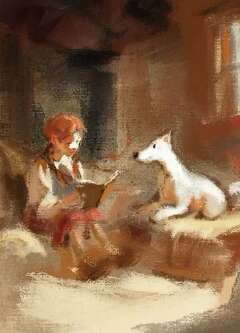
Process
Final
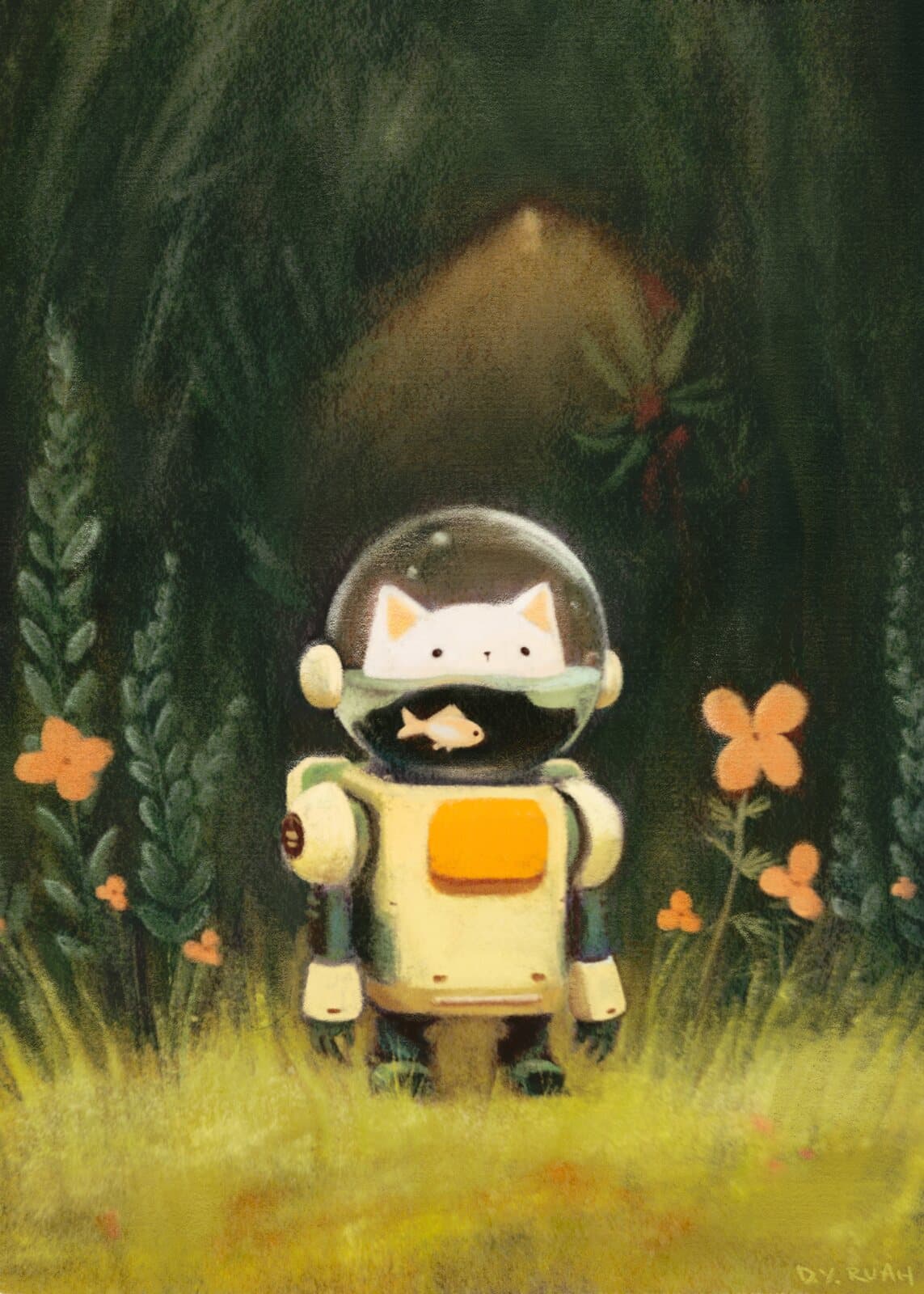
Brushes used:Brushes used
Paint Soft Thin Organic + Wet Paint on Canvas
RuahStash is built for texture, bite, and a hand-made feel. ✦
1. Core Set (Pencils & Graphite): 2 brushes. Your everyday starters, clean enough to build with, textured enough to feel real. Includes Ruah Pencil Medium and Ruah Pencil Soft.
2. Gritty & Messy (Charcoals & Dry Media): 4 brushes. For soft drama, dusty shading, and those oops but it's good moments. Includes Ruah Charcoal Cloudy, Charcoal Glide, and Crayon Block, and more.
3. Inks & Liners (High Contrast): 6 brushes. From crisp to crunchy to delightfully imperfect. Includes Plain Liner, Crumbly Sketcher, Scratchy Inker, and Splotchy Liner, and more.
4. Blotchy (Markers, Shaders, etc.): 7 brushes. For soft marker vibes, texture shading, and organic edge variation. Includes Ink Bristle A, Marker Washy, and Shader Grainy, and more.
5. Washes & Paint (Oils, Watercolors, etc.): 16 brushes. Loose washes, painterly strokes, and rich loaded brush energy. Includes Blocky Watercolor - Thin, Paint Loaded and Watery, and Wet Paint on Canvas, and more.
6. Texture, Paper, Heavy Effects: 10 brushes. The finishing stash: grain, tooth, specks, smoothing, and a little magic. Includes Ruah Kraft Paper, Heavy Watercolor Paper, Grit Speckles, Simple Soft Blender, Maple Leaves, and more.
Made for Procreate on iPad. Works beautifully with Apple Pencil pressure + tilt. Best for illustration, sketching, inking, painting, texture finishing.
Recommended method (most reliable): import from inside Procreate
- Save the .brushset file in the iPad Files app. Put it somewhere easy like Files → Downloads or iCloud Drive.
- Open Procreate and open any canvas.
- Open the Brush Library. Tap Paint (brush icon). Smudge or Eraser also opens the same Brushes panel.
- Tap the + (Add) in the top right and choose “Import from Files”.
- Find your .brushset in Files and tap it to import.
Where it shows up after import: A .brushset appears near the top of your Brush Library, under or near Recent.
Alternative: You can also tap the downloaded .brushset file in Files. Procreate may show an import prompt and bring it in directly. If that prompt does not appear, use the in-app Import from Files steps above.
After purchase: You are redirected to a download link and you will also receive the link by email.
Need help? Please feel free to email ruah@ruahstash.com.
Beginner-friendly, but deep enough for pros. The set responds beautifully to pressure and tilt, so it grows with your skill.
Satisfaction Guarantee: If you're unsatisfied or run into technical issues, I'll try to make it right if possible. Refunds are available within 14 days of purchase.
License: Use RuahStash in your personal work and client/commercial projects. Please don't redistribute, resell, or repackage the brush files themselves.
Designed by D. Y. Ruah, for RuahStash
Get RuahStash Essentials
Natural Media Brush Pack
Next step: you'll enter your email on the checkout page to receive your download link. Payments are processed safely by Fourthwall.
 Lifetime Updates
 Crafted with Care
 Instant Download
 Natural Brush Feel
For Procreate on iPad. 14-day satisfaction guarantee.